User Accounts & Authentication

Secure account management, authentication settings, and user profile customization for SmartPatentScrapper.

Your Dashboard

Access your account settings, authentication tokens, and user profile information.
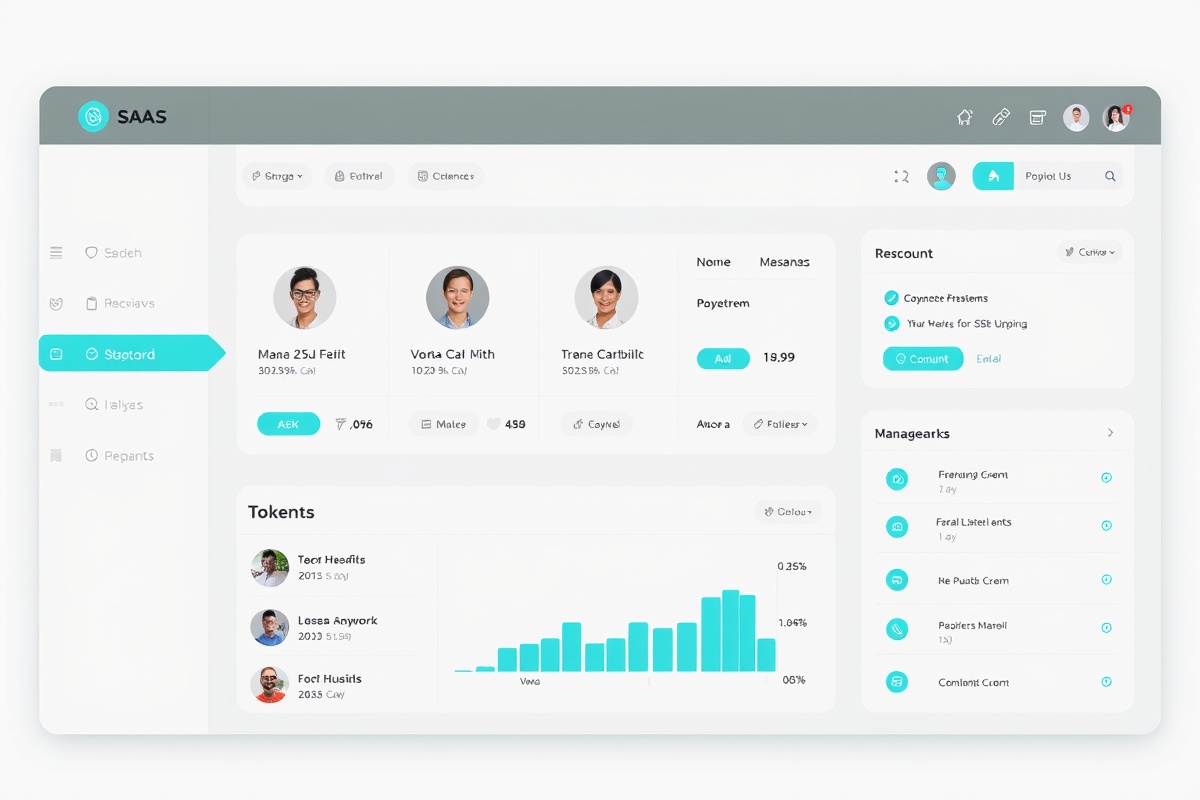
User Dashboard Interface

Profile Management

Update your personal information, avatar, and account preferences with ease.

API Keys & Tokens

Generate and manage secure API authentication tokens for programmatic access.

Security Settings

Enable two-factor authentication, manage sessions, and review login history.

Email Preferences

Control notification settings and digest frequency for your account.

Authentication Methods

Email & Password

Traditional authentication using secure password encryption and account recovery options.

  • Secure password hashing
  • Password reset flow
  • Account recovery options

OAuth 2.0

Sign in with your existing GitHub or Google account for seamless authentication.

  • GitHub sign-in
  • Google sign-in
  • Account linking

Two-Factor Auth

Enhance security with TOTP-based two-factor authentication for your account.

  • TOTP authenticator
  • Backup codes
  • Device management

Getting Started

1

Create Account

Sign up with your email or use OAuth to create your account instantly.

2

Verify Email

Confirm your email address to activate your account and unlock all features.

3

Enable 2FA

Set up two-factor authentication for enhanced account security.

4

Start Using

Access the patent library and begin your innovation research journey.

Ready to Get Started?

Create your SmartPatentScrapper account today and unlock access to comprehensive patent discovery and management tools.